One class schedule
Groups, dates, rooms and trainers in one view, on your phone too.
You stop searching in three places.
Class school management system
Class management system for schools, studios and clubs — class schedule, online sign-ups, passes and attendance in one app

Pick one and we will show how MyClass solves it.
Plan classes, groups, rooms and instructors in one view. Every change reaches the instructor and participants right away. Spot limits and online sign-ups work without phone calls or spreadsheets.
from the Seed planEntry packs and memberships settle themselves on attendance, and you can see who has a paid pass. Instructors mark attendance on their phone in seconds.
from the Seed planClass reminders, notices about cancelled sessions and alerts about a pass running out are sent automatically. Recurring classes and instructor substitutions take two clicks to set up.
from the Grow planRevenue, class profitability, top instructors and a location comparison in one summary. Plus full history and client segmentation.
from the Thrive planThree steps and your school runs in one place.
No card and no contract.
Import your list from Excel or do it with us. We'll help you move your data.
Instructors and front desk get an invitation by e-mail.
Questions? You'll talk to a human, not a bot.
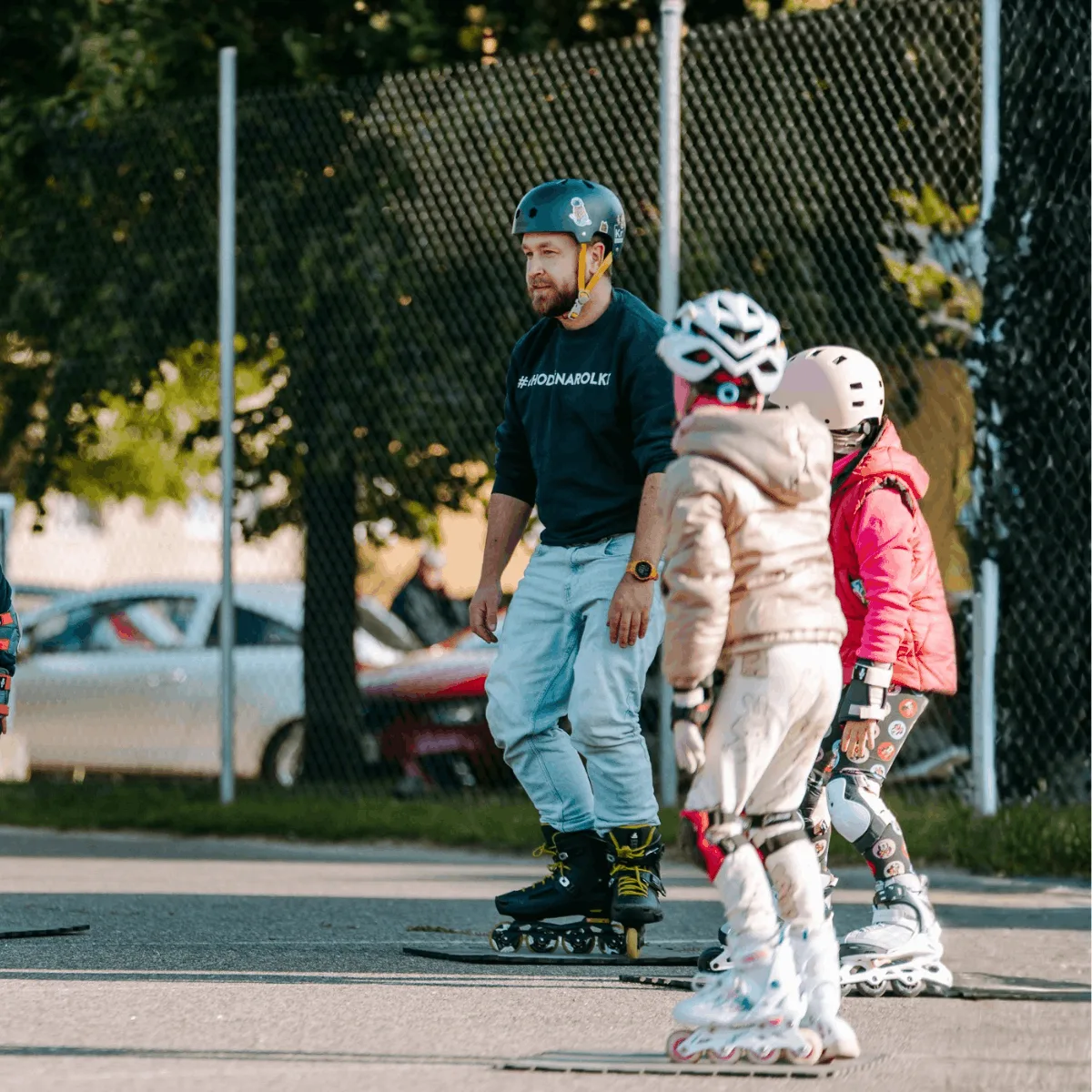
"I built MyClass because I run a school myself and was sick of Excel, Messenger and a phone that never stopped ringing."Founder of MyClass, school owner
Every plan starts with 30 days free. No credit card.
A free ClassMe profile on every plan.
Every club starts with 30 days free.
Not sure which plan to pick? Start with Grow, you can change it any time. · Compare all features →
Ecosystem
Every school on MyClass has a profile in ClassMe, the place where people look for classes nearby. New participants land straight in your schedule.
A ClassMe profile is free on every plan. Profile promotion (higher position and highlighting) is a separate package.
You decide who does what in the panel. Everyone on the team gets exactly what they need to do their job.
Set it all up in the panel: Settings → Permissions.
Sport, dance, music, languages, creative classes and movement: one system fitted to your school. Choose your activity:
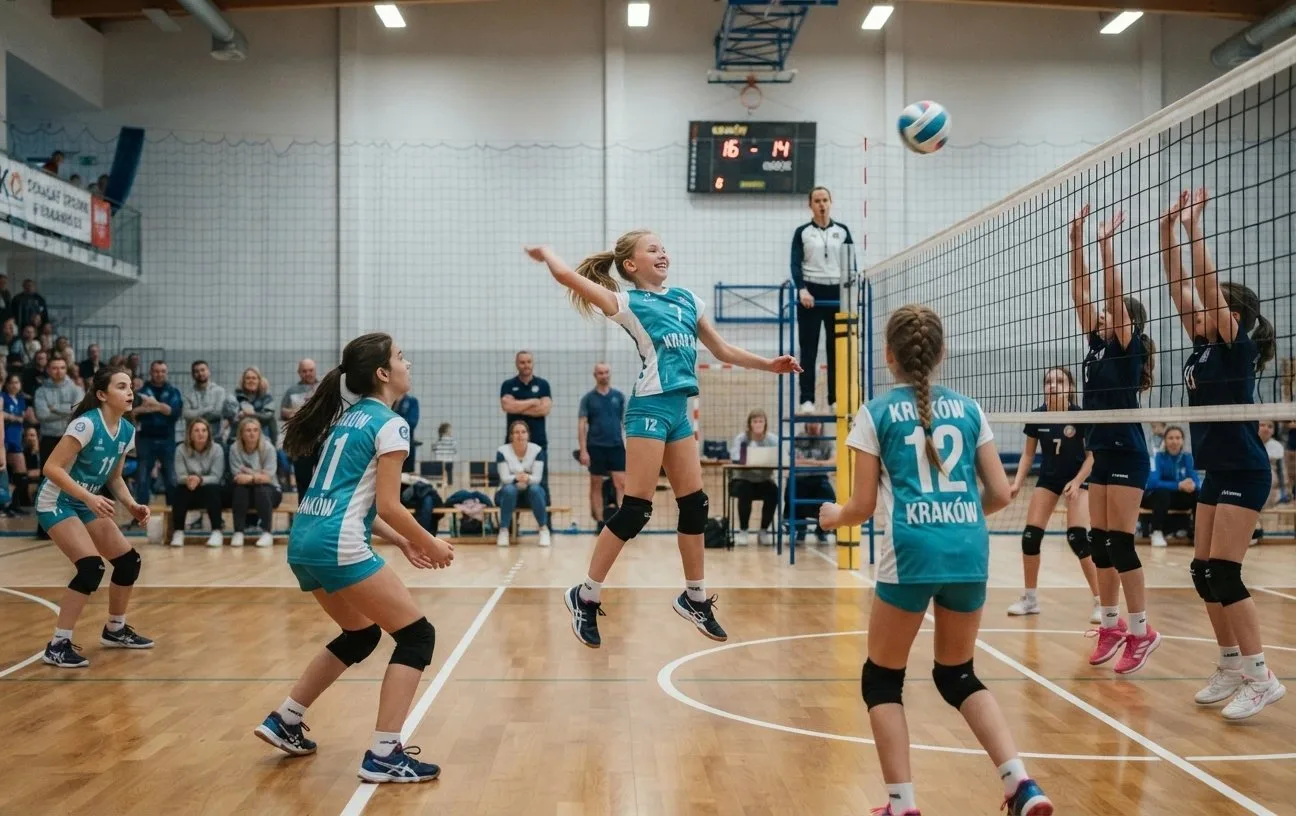







Or maybe something not only for the body:
Tips on running a school, sign-ups and marketing, from the MyClass blog.
Notifying parents of a child's absence from classes at a dance school, club or academy: when to get in touch, who calls, which channel to use, what to put in your terms and four ready-made message templates.
Online class booking for a dance school, sports club or kids' academy: which decisions to make before launch, what data to ask parents for, what the confirmation message should say and what to watch after someone signs up.
Holiday camp registration for a dance school or sports club: how to set sessions and limits, what to collect in the form, how to describe deposits and refunds, and how to run a reserve list for day camps and residential camps.
No. MyClass is designed for people who are not technical. Most schools get their schedule and first sign-ups running in a day. You can import your client list from Excel, and we help with moving your data for free. Instructors get access on their phone and see their groups right away.
Yes. The Seed and Grow plans cover one location. The Thrive plan lets you run up to 5 locations, and a single extra one can be added for 99 zł/month. For larger networks there is the Expand plan with individual pricing.
Yes. Each instructor has their own access on their phone and sees only their schedule and groups, with no financial data of the school. The number of instructor accounts depends on the plan (5 / 15 / 50).
You do not have to change plans right away. You can add single seats: an extra instructor costs 20 zł/month and an extra administrator 49 zł/month. Write to us and we will activate them manually.
You choose a plan or you leave. We charge nothing automatically, and you give your card only when you choose a plan. If you do not buy a plan, the school switches to read-only mode: clients see the offer but cannot sign up, and you can export your data.
A basic ClassMe profile comes with every plan and you can hide it at any time. Profile promotion (a boost in search) is a separate, paid package. Sign-ups through the school page work independently of ClassMe.
For dance, yoga and fitness schools, language learning, sports and music classes, swimming pools, tutoring and classes for children. One system handles the schedule, sign-ups, passes and attendance, whatever the discipline.
Yes. Participants sign up themselves: from their phone, from the school page or from ClassMe. When a group is full, they join a waiting list. You see lists, attendance and payments in one place, and you can import your existing clients from a spreadsheet.
Plans start at 149 zł net per month (Seed), then Grow for 299 zł and Thrive for 599 zł. For networks there is the Expand plan with individual pricing. The first 30 days are free, no card needed.
Yes. A data processing agreement (GDPR) is standard, servers are in the European Union, and we make backups daily. You set permissions per role: instructors do not see finances, and you can further secure team access with two-factor login.
By themselves, from their phone: on the school page or through ClassMe, with no calling. You can accept sign-ups right away or approve them manually. When a spot frees up in a full group, the first person on the waiting list moves up.
MyClass is management software for group-class schools. It puts the class schedule, online sign-ups, passes, payments and attendance list in one place, so you no longer need a separate spreadsheet, calendar and notes.
Who is it for? Dance schools, yoga studios and fitness clubs, language schools, music schools, swimming pools and sports classes for children, as well as tutors running groups.
What do you get? An online class schedule, sign-ups over the internet, selling and settling passes, a participant register, trainer leave and substitutions, class reminders and attendance reports. Everyone on the team sees only what they need.
Clients find you on their own. Your school gets a free profile in ClassMe, the class directory where clients search and sign up.
How to start? Create an account, add classes and participants, invite your team. Setup usually takes one day, and the first 30 days are free, no card.

30 days free. No card, no contract, with help getting started.
Booking system for group classes.
Download the app and manage all your classes from multiple devices.